Section heading
Highlight 1
Highlight 2
Highlight 3


Heading
Value 1
Label 1
Value 2
Label 2
Value 3
Label 3
Section heading
Add the section description.

Section heading
Heading
Value 1
Label 1
Value 2
Label 2
Value 3
Label 3
Section heading
Section heading
Section heading
Heading
Value 1
Label 1
Value 2
Label 2
Value 3
Label 3
Highlight 1
Highlight 2
Highlight 3
Section heading
Section heading
Section heading
Add the section description.
Heading
Value 1
Label 1
Value 2
Label 2
Value 3
Label 3
Section heading
Heading
Value 1
Label 1
Value 2
Label 2
Value 3
Label 3
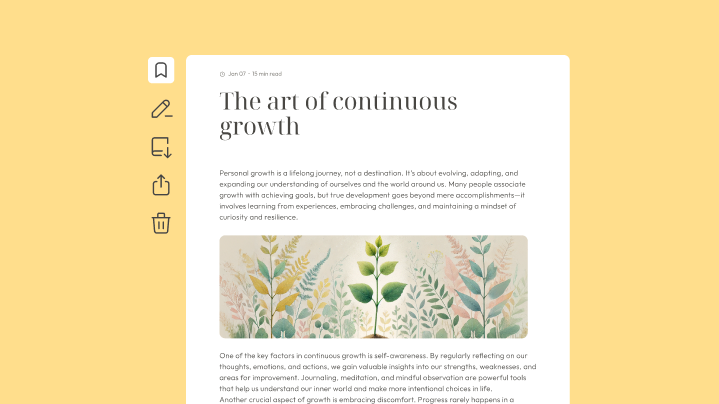

Building the no-code foundation for smarter automation

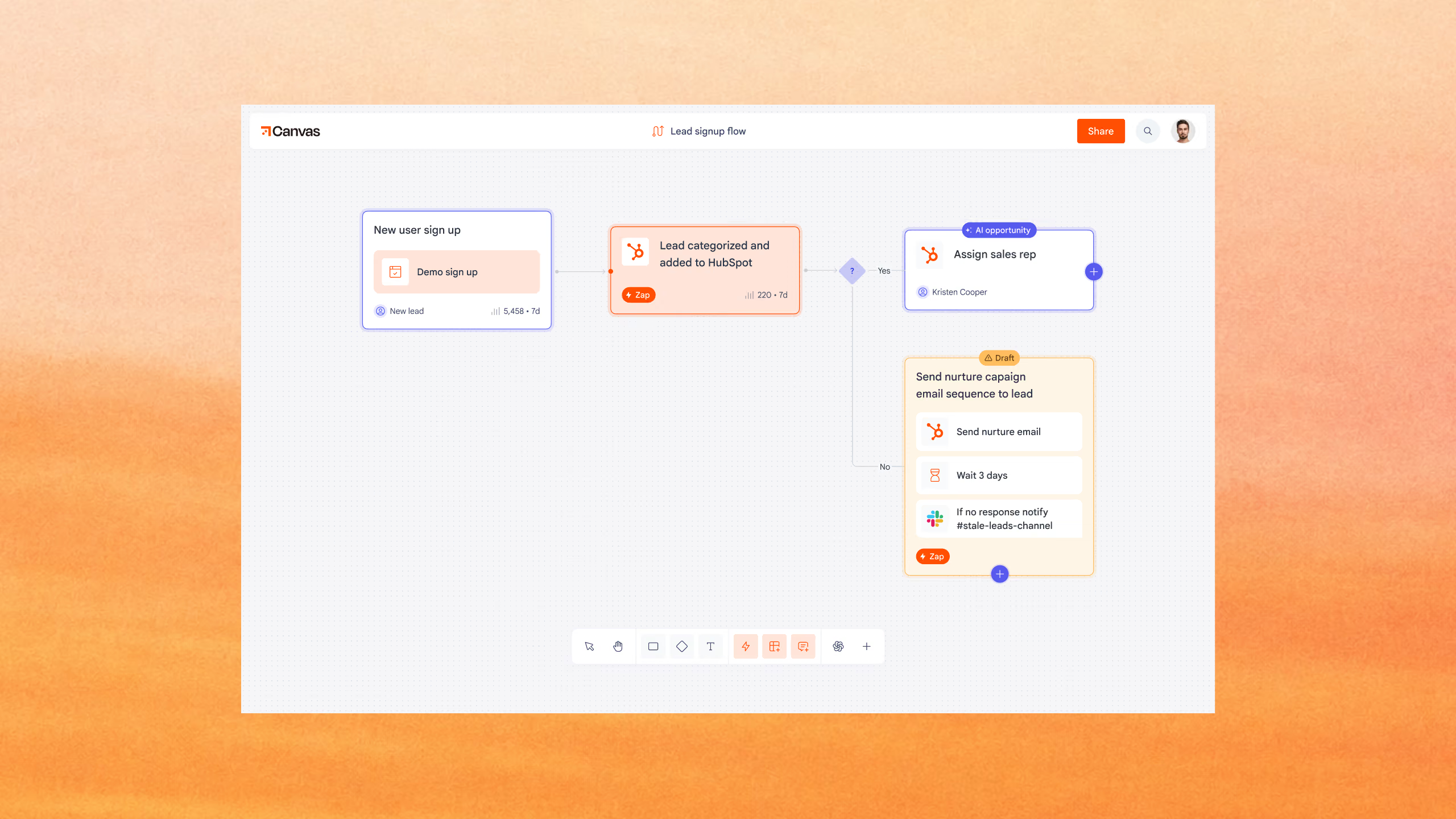
Zapier connects apps and services without code. We helped build Tables and Interfaces, which let teams store data, collect information, and connect business processes to Zaps.
Built core Tables and Interfaces features in time for ZapConnect 2022.
Added flexible fields, customization, and keyboard navigation to Tables.
Connected Interfaces forms and pages to data and automations.
Zaps connect apps and automate the work between them. But many business processes also depend on data that needs to be stored, updated, and shared with other people. Zapier wanted to make those parts of the workflow easier to build without code.
Two no-code products designed to work with Zaps
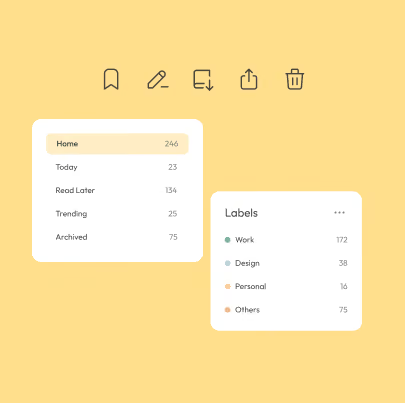
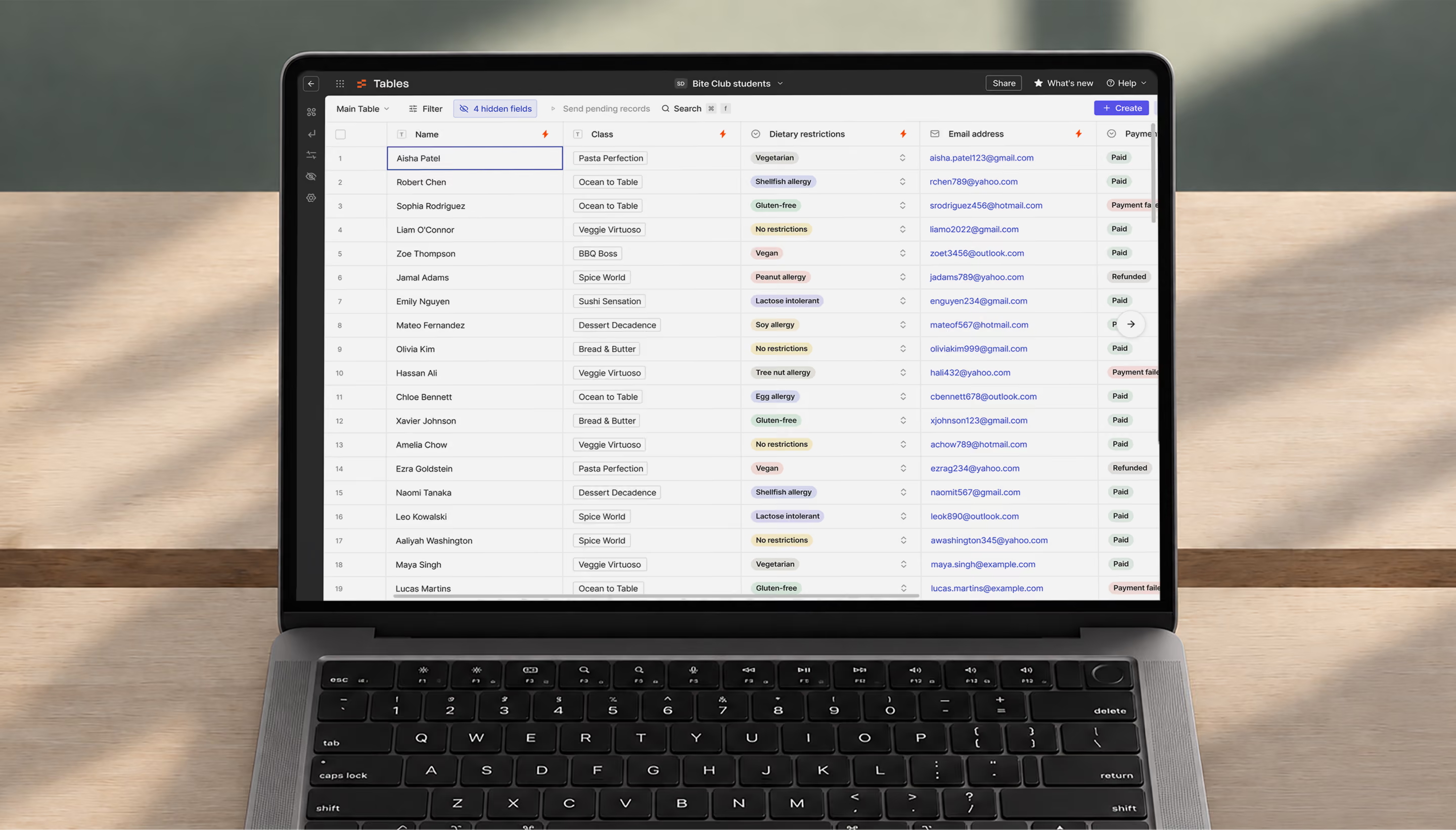
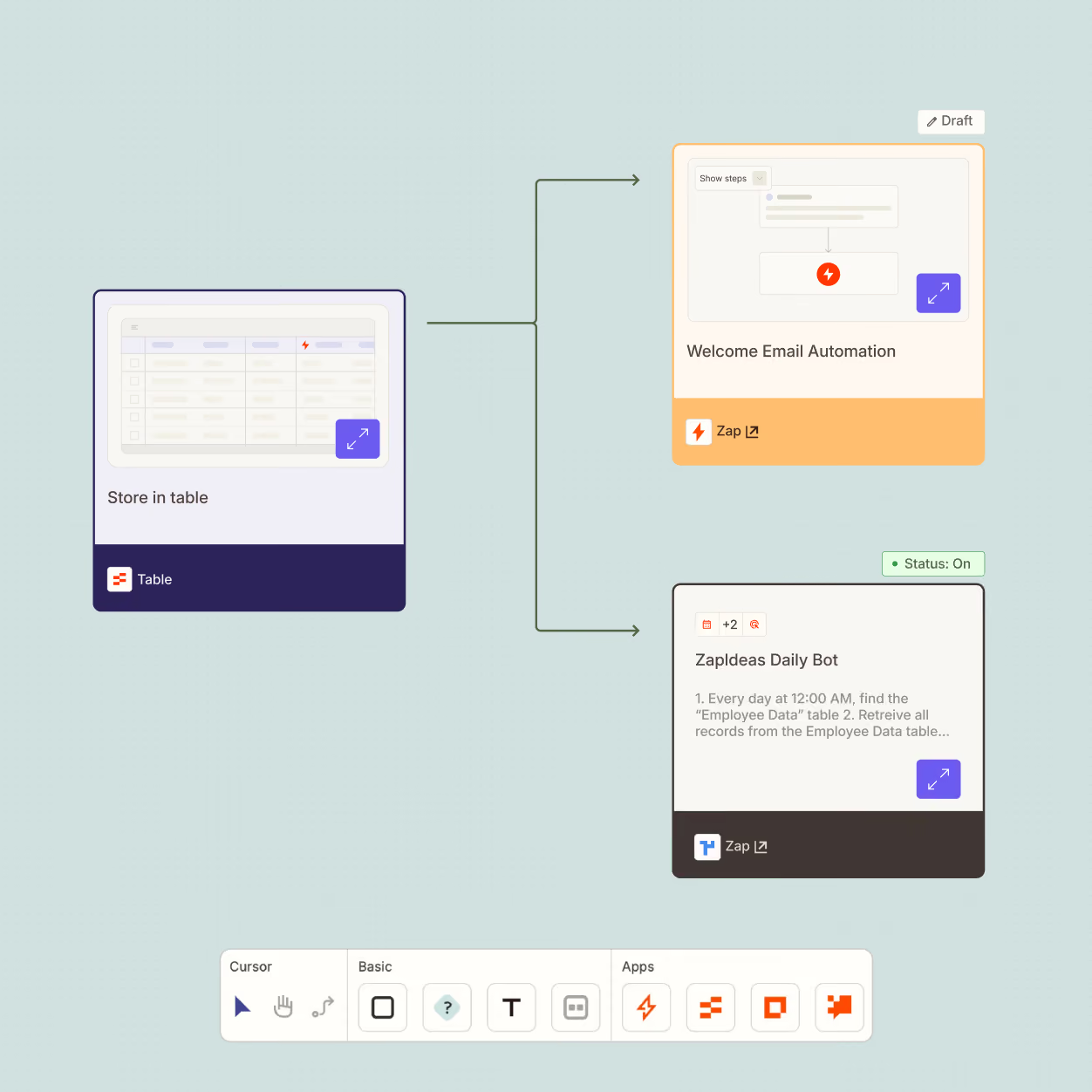
Tables gave users an automation-first place for their data. We added field types for email, links, long text, dates and times, phone numbers, and currency. We also built controls for formatting, alignment, column visibility, and custom icons. We improved keyboard navigation so users could move between cells and update data more quickly.
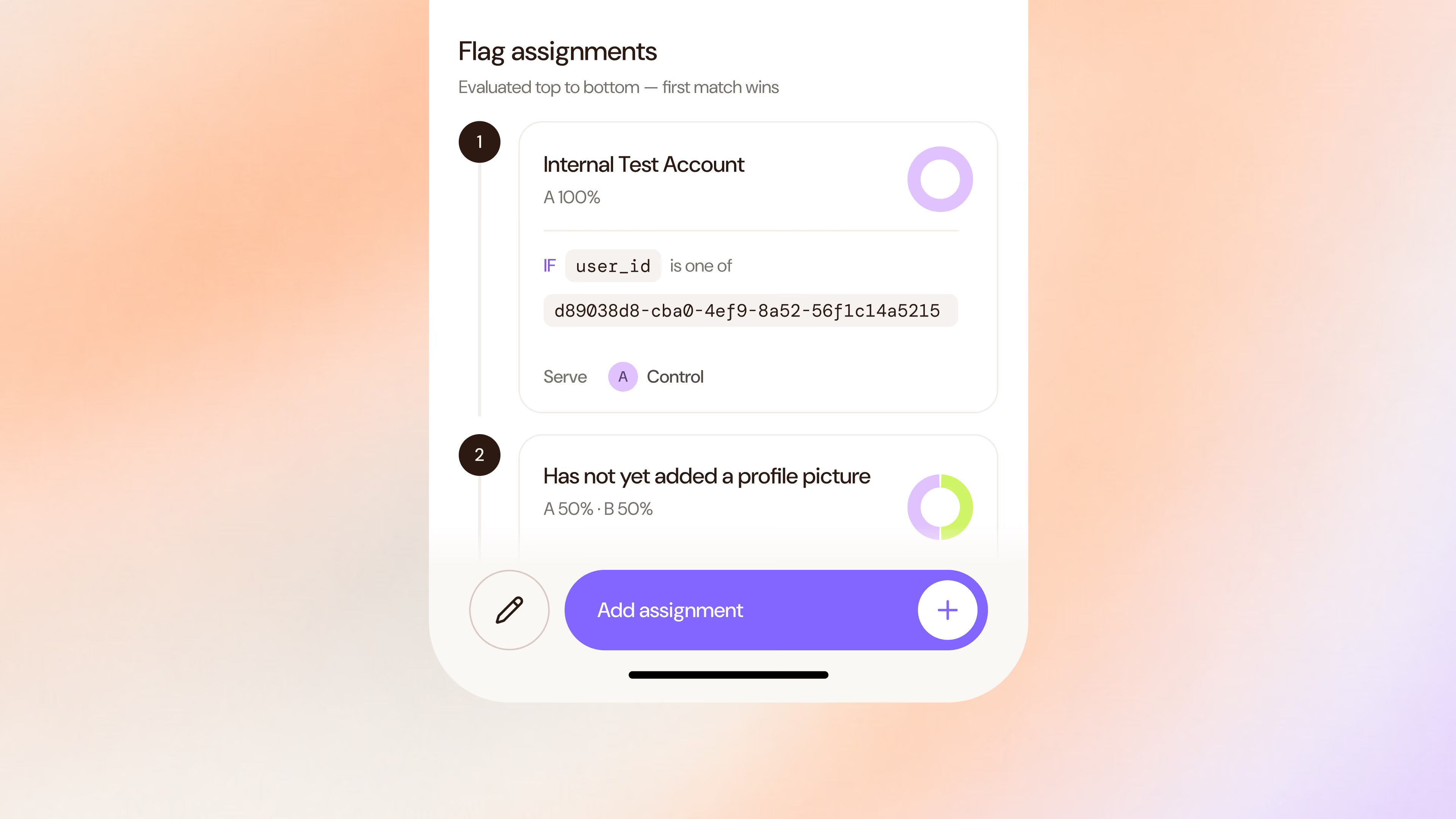
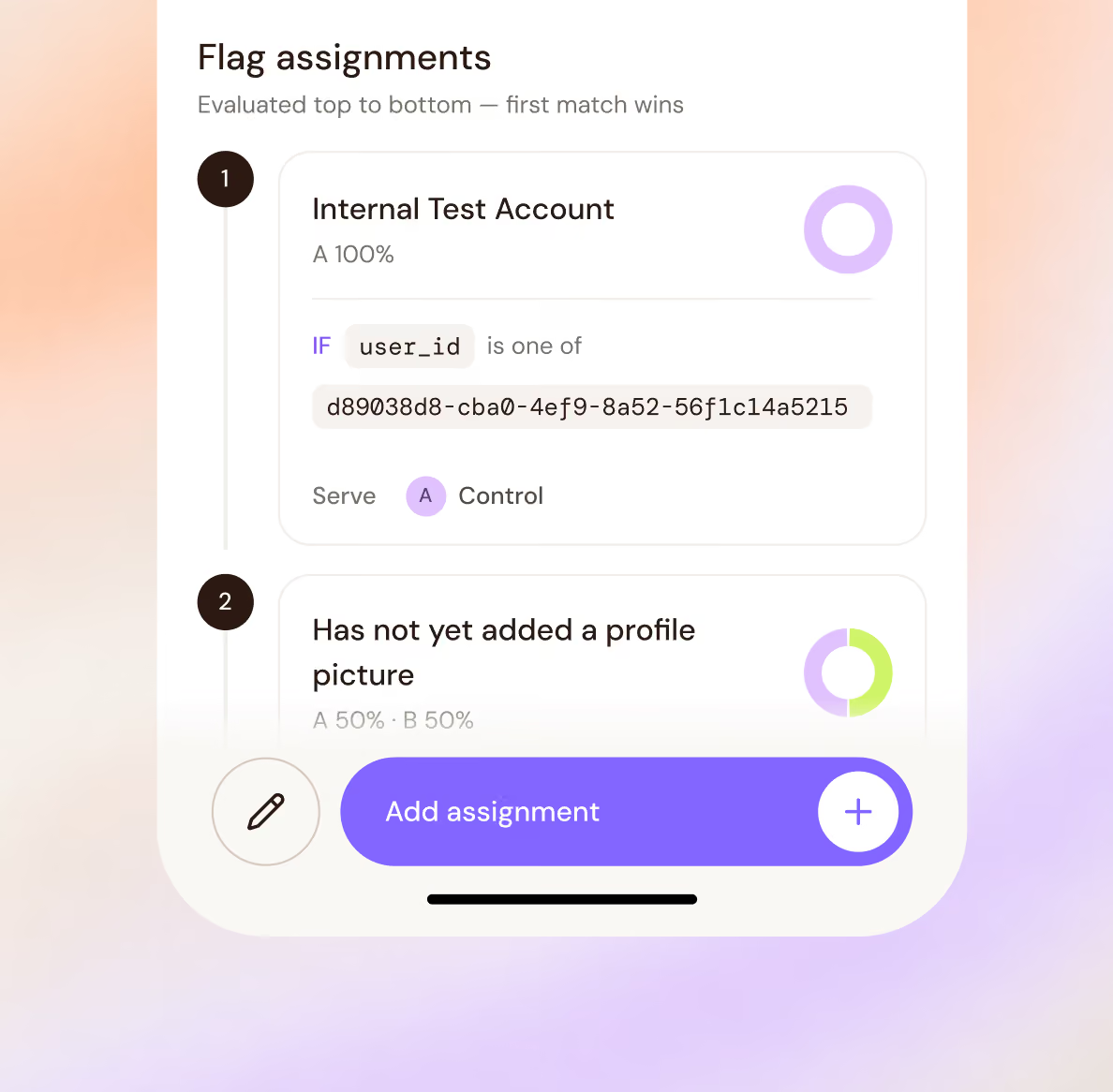
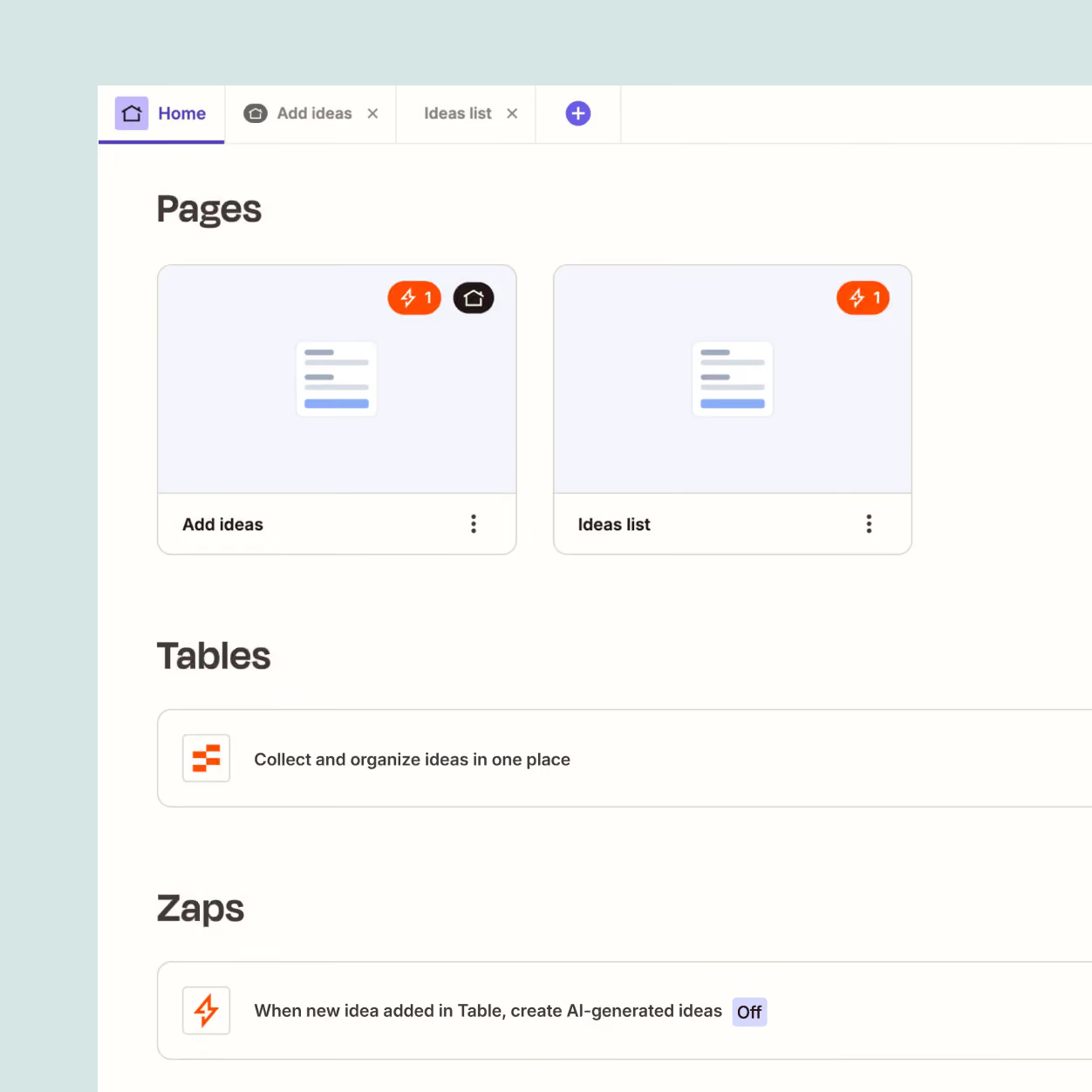
Interfaces let people create simple pages and forms for people to interact with it. We built new form fields, appearance settings, connections between forms and Tables, and a Links component for adding cards that point to forms, FAQs, and other resources.
Collect the data. Put it to work.
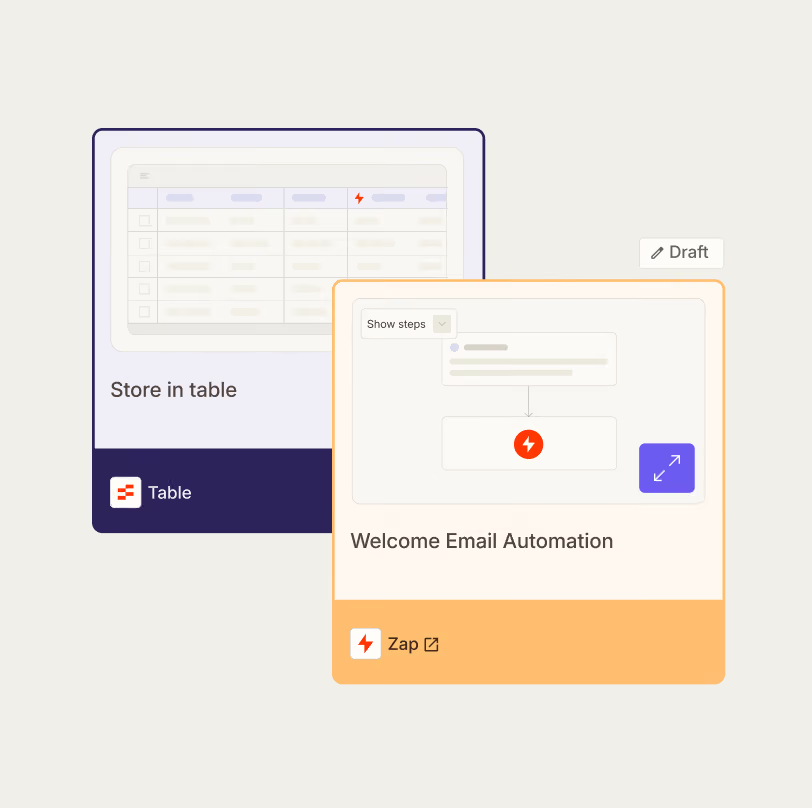
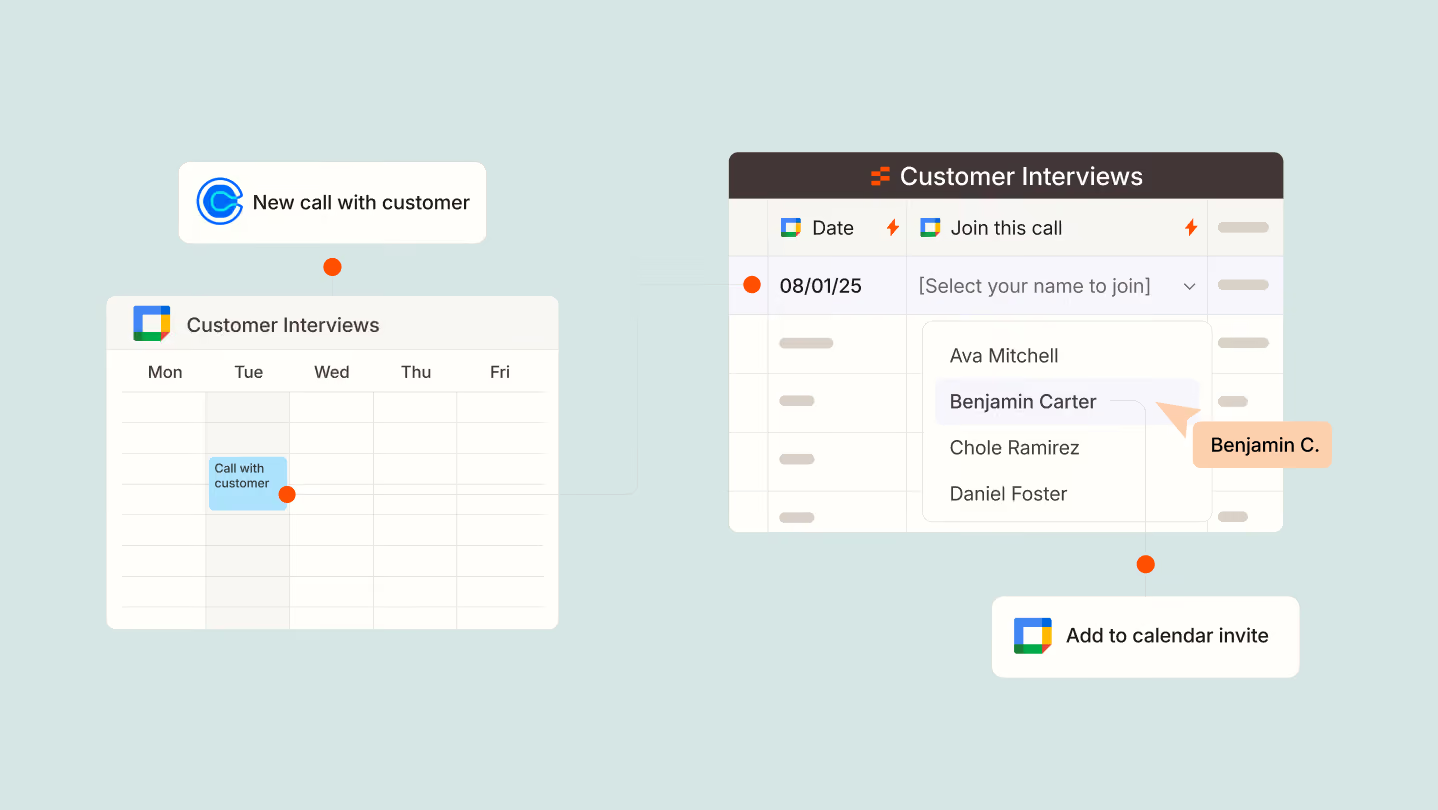
Tables gives users a structured place to save, edit, and access the information their automations depend on. Interfaces provides the layer people interact with, letting users build forms and pages through a drag-and-drop editor.
Connect a form to a Table, collect information from a stakeholder, and use that data to power a Zap. Together, the products make it possible to create more complete business workflows without writing code.
Making no-code workflows feel fast
The work went beyond shipping individual components. Details like keyboard navigation, configurable fields, column visibility, and appearance controls made Tables and Interfaces faster and more flexible for the people building with them.
Working alongside Zapier’s product and engineering teams, we focused on the functionality needed to turn the early product concepts into cohesive experiences ready to put in front of customers.


"Fluxon was pivotal in helping us accelerate. We had tight deadlines to meet, with rising technical complexity. They embedded with our product teams, and shipped code within the first week. We view them as a valuable member of our team."
Ready for ZapConnect.
Zapier launched Tables and Interfaces in closed beta in time for ZapConnect 2022, introducing the products to an audience of more than 24,000 attendees. The launch expanded what users could build inside Zapier, bringing data, interfaces, and automation together in one connected workflow.
24,000+ attendees
At ZapConnect 2022
65% faster
Response times with Interfaces
30 min → <1 min
Per onboarding workflow built with Zapier Tables
.svg)
.avif)